Whatsapp Privacy Features: Silence Unknown Callers and Privacy Checkup

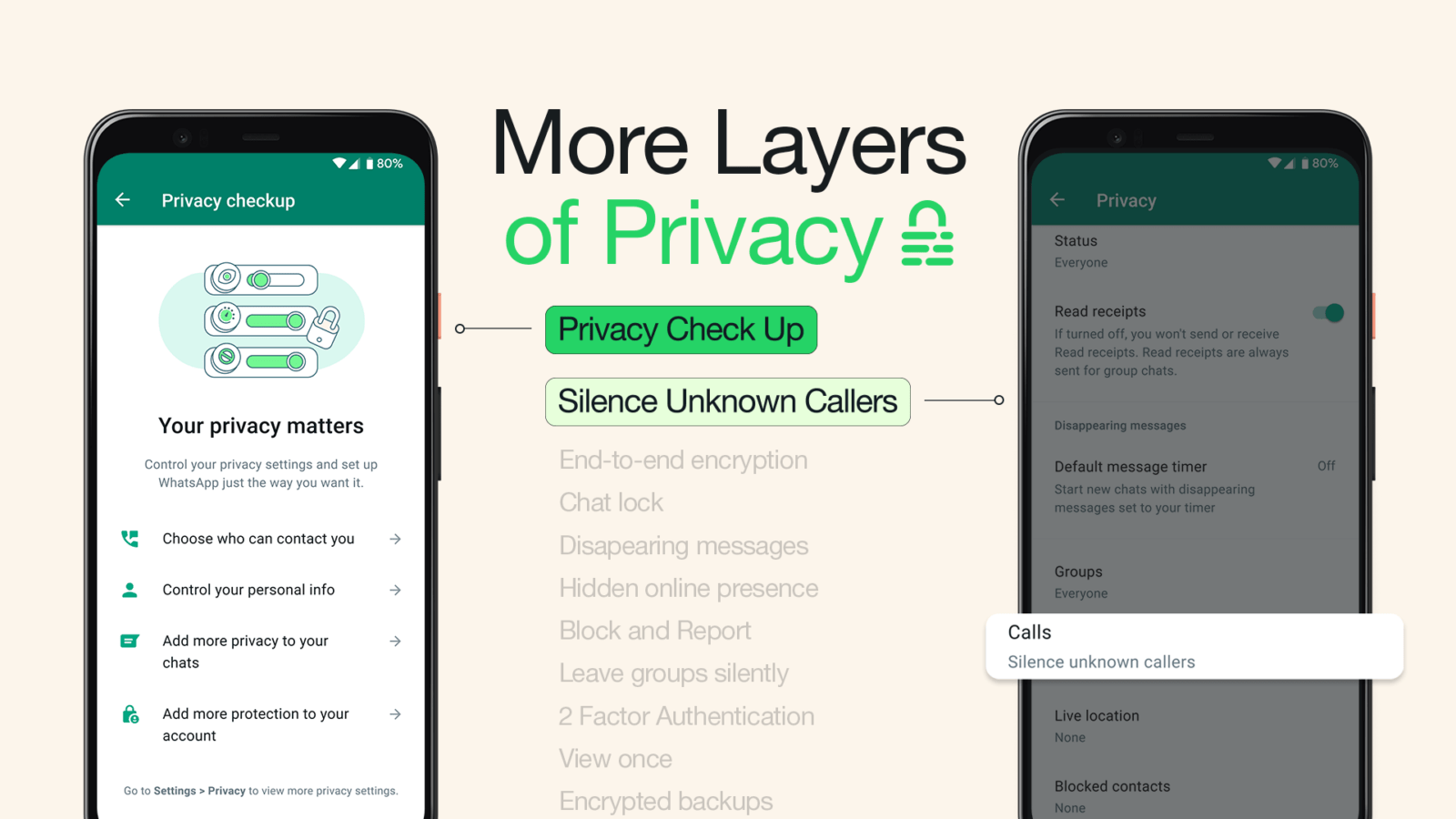


As technology advances, so do the ways that people can track and collect our personal information. In order to protect our privacy, it is important to be aware of the latest privacy features that are available on our smartphones.
Two new privacy features that are available on many smartphones are Silence Unknown Callers and Privacy Checkup.
Silence Unknown Callers is a feature that allows you to silence all calls from numbers that are not saved in your contacts. This can be helpful to reduce the number of spam calls that you receive. To use this feature, you will need to go to your phone’s settings and find the “Phone” section. Then, you will need to tap on “Call settings” and then “Block numbers.” Finally, you will need to toggle on the switch next to “Silence unknown callers.”
Privacy Checkup is a feature that allows you to review your privacy settings and make sure that they are set the way you want them. This includes things like your location settings, your contacts, and your permissions. To use this feature, you will need to go to your phone’s settings and find the “Privacy” section. Then, you will need to tap on “Privacy Checkup.” This will take you through a series of steps to review your privacy settings.
In addition to these two features, there are a number of other new privacy features that are available on smartphones. These include:
- App permissions: This feature allows you to see which apps have access to your personal information, such as your contacts, location, and photos. You can also revoke permissions for apps that you no longer trust.
- Ad blockers: These apps can help to block ads from appearing on your phone. This can help to protect your privacy and also improve your phone’s performance.
- Privacy-focused browsers: These browsers are designed to protect your privacy while you are browsing the web. They do this by blocking trackers and other forms of online tracking.


By using these new privacy features, you can help to protect your privacy and keep your personal information safe.
Here are some additional tips for protecting your privacy on your smartphone:
- Be careful about what information you share online. Don’t post your full name, address, or phone number on social media or other websites.
- Use strong passwords and change them regularly. Don’t use the same password for multiple accounts.
- Be careful about what apps you install on your phone. Only install apps from trusted sources.
- Keep your software up to date. Software updates often include security patches that can help to protect your phone from malware and other threats.
By following these tips, you can help to protect your privacy and keep your personal information safe.
The new privacy features that are available on smartphones can help you to protect your privacy and keep your personal information safe. By using these features, you can reduce the amount of information that is collected about you and make it more difficult for people to track you online.





Motorola Moto G14 Specs, Price, and Best Deals
The Motorola Moto G14 is a mid-range smartphone that was released in August 2023. It has a…